


Hardware from Excel
PLC, field device and module lists are read; devices, the Profinet network and addresses are placed in TIA Portal automatically.

 AutoPLC · AI-Assisted PLC Engineering
Generate hardware configuration, network and address assignment, PLC software to your company standard and technical documentation for TIA Portal V19 from your hardware and station lists.
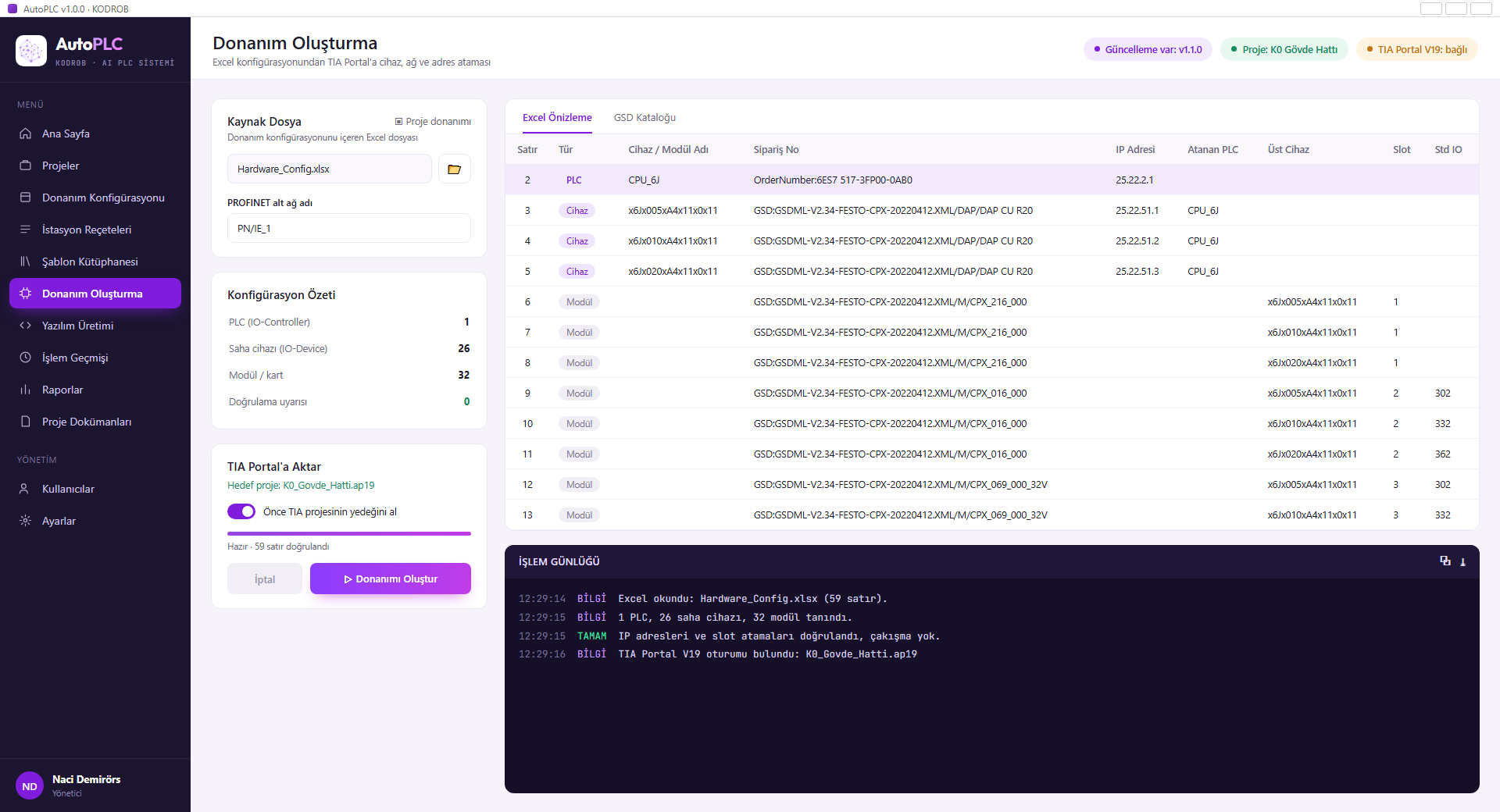
PLC, field device and module lists are read; devices, the Profinet network and addresses are placed in TIA Portal automatically.
IP, slot and I/O conflicts are caught before transfer; faulty rows are shown in the activity log.
OB, FB, FC and DB blocks to your company standard are generated from station recipes and the template library.
Recurring structures such as fixtures, valves and robot interfaces are defined once and reused on every project.
Hardware lists, address tables and project reports are prepared automatically.
MSI installer and automatic updates; activity history and user management.
Instead of self sign-up, we offer a demo tailored to you. After you fill in the form, our team calls you, listens to your needs and sets up demo access so we can explore the product together.
AutoPLC works with Siemens TIA Portal V19 through the TIA Openness interface.
Yes. Blocks from your company standard are added to the template library and used when generating software.
Yes. A backup of the TIA project is taken before transfer, then the hardware is added to the existing project.
Fill in the form and our team will call you to set up a tailored demo.